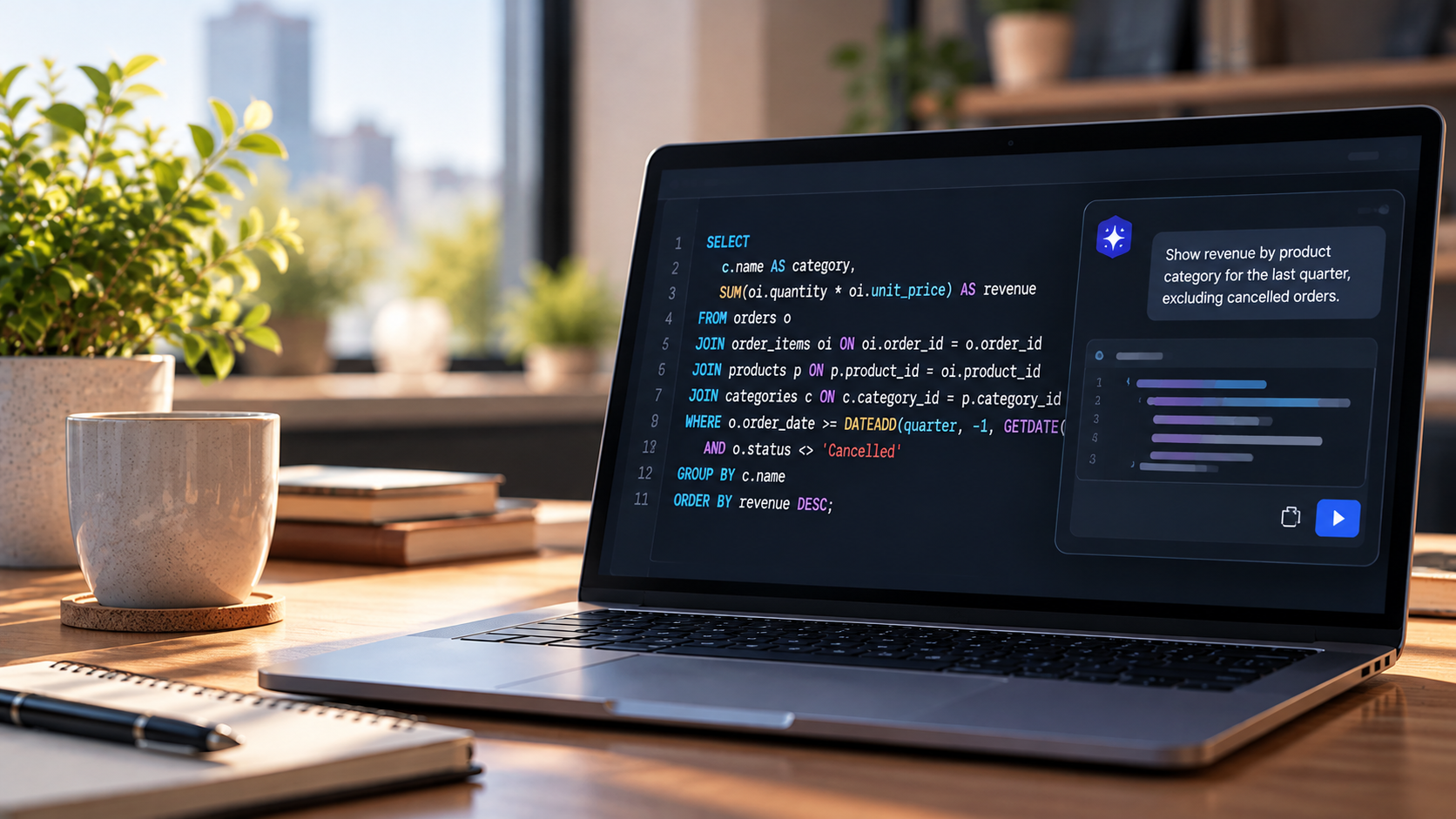
AI Knows SQL. It Doesn't Know Your Database.
Why AI-generated queries fail quietly, where speed is safe and what schema context actually changes.

Leading the strategy, development, and deployment of AI solutions across database management and data connectivity platforms. Focused on turning complex workflows into intelligent, automated experiences that boost efficiency, enhance customer value, and future-proof product ecosystems.
Here is a simple request: show me all active customers.
Hand that to an AI assistant and you will get a clean, valid query in a few seconds. Whether it is correct is another matter. What counts as "active" in your business? Is customers the source of truth or a staging mirror? Does last_login get updated by every client, or only some of them?
A colleague would stop and ask. A model picks the most plausible interpretation and moves on.
That gap between plausible and correct is what I want to unpack here. I wrote about this recently on HackerNoon from a broader angle. This post goes a level deeper into why the problem exists, how to decide when it matters and what helps.
The problem: syntax is solved, meaning is not
AI assistants have become part of everyday database work for good reason. In the Stack Overflow 2025 Developer Survey, 84% of developers said they use or plan to use AI tools. JetBrains' State of Developer Ecosystem 2025 found that nearly nine in ten developers using AI save at least an hour a week, and about one in five save eight hours or more.
For database teams, the value shows up in a few places:
Natural language to SQL: describe the result you need and get a working query back
Troubleshooting: paste a slow or failing query and get an explanation and a candidate rewrite
Index recommendations: surface missing or redundant indexes without auditing query patterns by hand
Documentation: first drafts of table descriptions and procedure summaries
Schema discovery: help navigating a database someone else designed
All of this works because language models have seen an enormous amount of SQL. They know joins, window functions, CTEs and dialect quirks.
What they have never seen is your schema. They don't know your naming conventions, which tables are authoritative or what a column means in your business. They don't know that order_date is the placed date in one table and the fulfilled date in another. They don't know which views, ETL jobs and application queries depend on the object you are about to change.
So the model does what it is built to do. It matches patterns and returns the most reasonable answer.
What quiet failure looks like
Most of the time, reasonable is close enough. The problem is the cases where it is not, because those rarely look like failures.
The wrong join. Two tables that look related get joined on similarly named columns. The query returns rows. The rows are wrong.
The wrong grain. An aggregation counts line items instead of orders, or sums across a join that multiplied rows. The total looks believable, which is exactly the problem.
The wrong boundary. A date filter is off by a day, or uses a column with a different meaning from the one you intended.
The wrong scope. A query reaches personal data or tables outside the user's permitted access. Not intentionally. The model simply had no reason to avoid them.
The wrong environment. Logic that holds on a simple test schema breaks on production, where relationships are layered and naming is inconsistent.
None of these throw an exception. That is what makes databases different from most AI use cases. The output of a query is rarely the end of the chain. It flows into a report, a pipeline or a financial feed, and a wrong result travels quietly until someone notices, if anyone does.
Deciding when speed is safe
This is not an argument against AI in database work. It is an argument for being deliberate about where you apply it.
The question I find most useful is simple: if this output is wrong and nobody catches it, what does it cost?
Low cost, move fast:
Exploratory queries in development, where a wrong result is visible immediately
Documentation drafts that a person will edit anyway
Explaining an unfamiliar schema that you can check yourself
Early troubleshooting, where AI proposes causes and a person decides what to change
High cost, slow down:
Production deployments and migration scripts
Schema changes with downstream dependencies
Anything involving personal data, audit logs or compliance requirements
Financial and operational reporting, where silent errors do the most damage
For the second group, AI output is a proposal, not a decision. It goes through review, testing and sign-off like any other change.
What schema context changes
If the root cause is that the model doesn't know your database, the most effective fix is to give it that knowledge.
There is a real difference between pasting a schema description into a chat window and working with an assistant that reads the structure of the database you are connected to. A pasted description is partial, easy to get wrong and out of date the moment someone runs a migration. Live metadata is complete and current. The less the model has to assume, the fewer wrong assumptions it makes.
We took this approach at Devart with dbForge AI Assistant. It is built into dbForge Studio and dbForge Edge. It uses metadata from the connected database, including tables, column types, relationships, and other schema objects, for natural-language SQL generation, query optimization, and error troubleshooting. It works from metadata for context, not from the data stored in your tables.
I want to be clear about the limits, though. Schema context tells a model what exists and how it connects. It does not tell the model what your business means by "active customer." Richer context reduces a whole category of errors, but it does not remove the need for human review. Anyone who tells you otherwise is overselling.
Guardrails that hold up in production
Whatever tools you use, a few practices make AI assistance sustainable:
Keep humans in the loop where errors are expensive. AI and human reviewers catch different kinds of problems. You need both.
Apply your existing access controls. AI-generated queries should run under the same permissions as the person who requested them, with row-level security and column masking still in force.
Use one pipeline for every change. If database changes go through CI/CD, AI-generated SQL does too. A separate fast lane is how errors reach production.
Validate reporting queries against a baseline. Compare results with a known dataset before a new query feeds a dashboard people act on.
Log AI involvement. Record what ran, who approved it and whether it was AI-generated. When something breaks, that trail saves hours.
Where this goes next
Today's AI database tools are strong on syntax and uneven on semantics. The next wave is about closing that gap.
Two shifts matter most. The first is richer context: AI embedded directly in database IDEs, where the schema is always live rather than reconstructed from memory. The second is AI that recognizes its own uncertainty and flags low-confidence output before it reaches production, instead of presenting every answer with the same confidence.
In the long run, AI works best as a copilot. It generates, explains and automates. DBAs and developers bring the business context, operational knowledge and judgment it lacks. The goal is not to replace that expertise but to make it go further.
The takeaway
AI assistants are very good at writing SQL. They are not yet good at knowing what your data means.
The teams that get the most out of them give AI real context, trust it with low-risk work and keep people in charge of the decisions that matter. Speed is the easy part. Reliability is where the real work is.
I covered the broader picture in AI Assistants in Databases: Speed vs. Reliability on HackerNoon.